
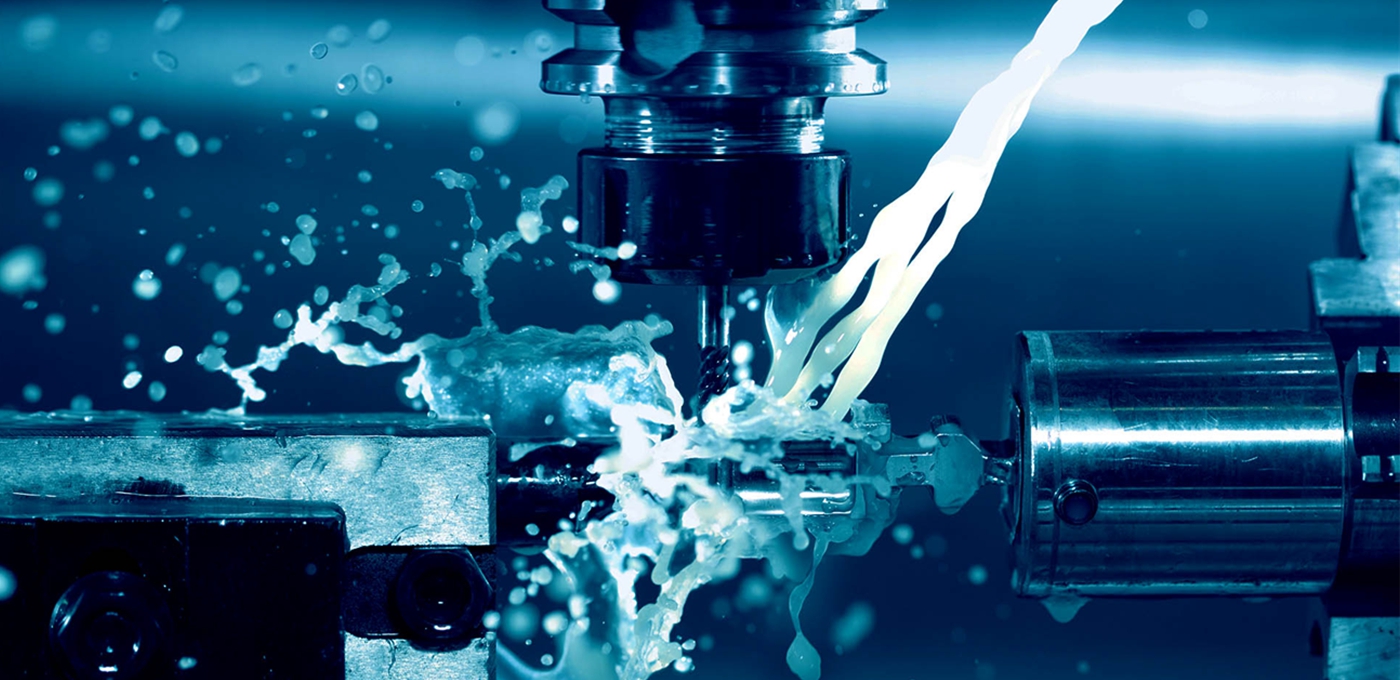
Dental 3D Printing Applications
作者:Shenzhen Seetop Technology Co.,Limited
浏览:
发表时间:2020-01-12 19:35:55
Dental 3D Printing Application
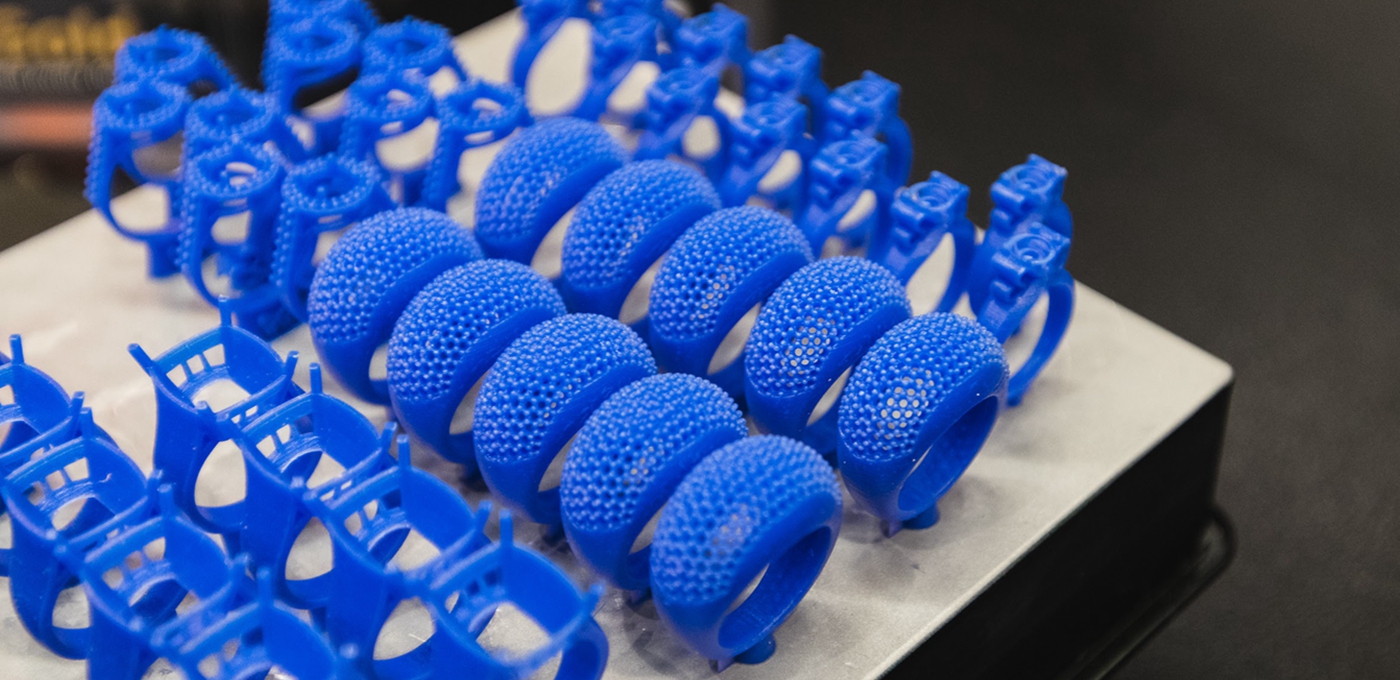
Over the course of the past decade, the dental industry has been revolutionized by 3D printing technology. Several different applications of 3D printing have been developed, from fixing broken teeth to making flossing easier.
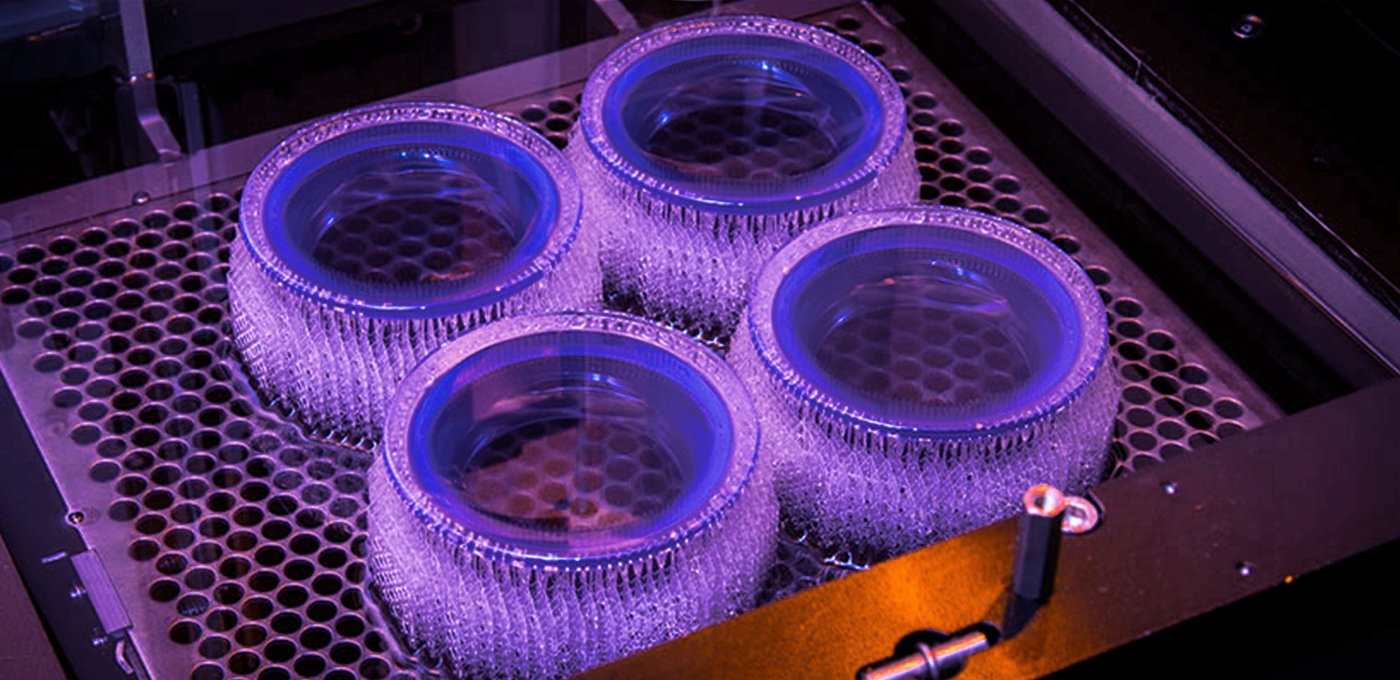
Dental 3D printers need to be very accurate, so the most common technologies used are stereolithography (SLA) and digital light processing (DLP). Depending on the application, different resins are used, and many specialized resins have been created solely for dental 3D printers.
Printing is done both in the dentist’s office and in labs, and it brings a new level of speed and ease to old procedures.
This industry is very new, though already impressively large, and it is constantly growing and developing. There are seemingly infinite ways for dentists to use dental 3D printers, and the future will undoubtedly bring about even more.
DENTAL 3D PRINTING GUIDE
Application #1: Night Guards and Aligners

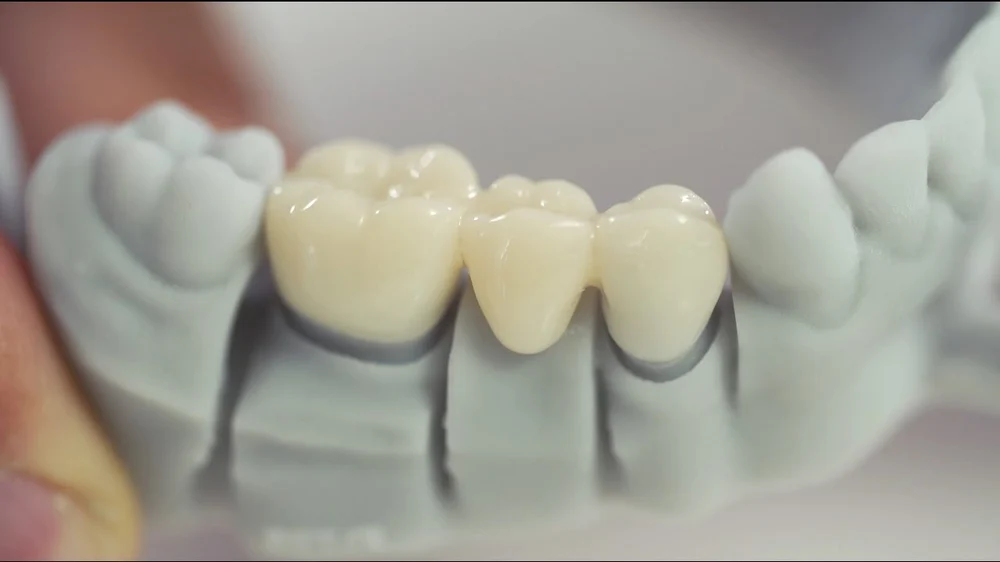
Application #2: Crowns
DENTAL 3D PRINTING GUIDE
Application #3: Surgical Guides

DENTAL 3D PRINTING GUIDE
Application #4: Models

APPLICATION #3 SURGICAL GUIDES INTRODUCTION:
A surgical guide is a medical device that is 3D printed based on the DICOM data which is patient specific. It is used for the accurate placement of the implant in the bone structure. It replicates the exact surfaces of the patient’s intraoral situation and assists the surgeon to perform the clinical application of drilling implants into the bone with optimal accuracy. The correct angulations are builted into the guide and the exact length is known from the top of sleeve to the ape of the implant.
PROCEDURE:
SCAN:
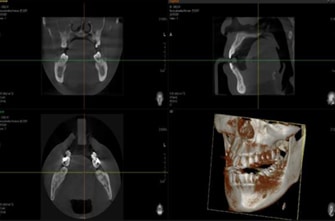
In order to plan the treatment and design a surgical guide, the inputs collected are in two forms:
⇒DICOM data
⇒ Ceramic data.
Ceramic data is 3D scanned data generated from doctor which is patients specific with the help of cone –beam computed tomography (CBCT).
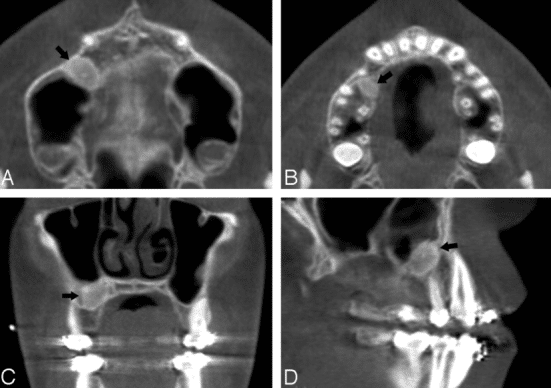
DICOM DATA
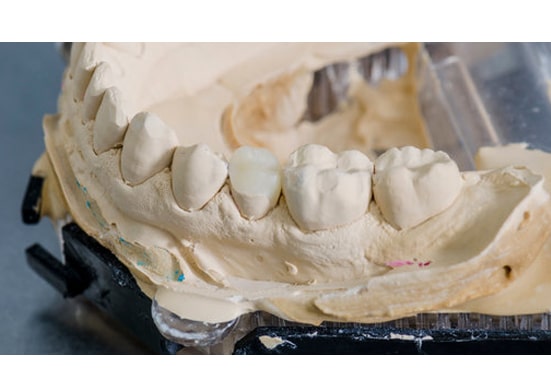
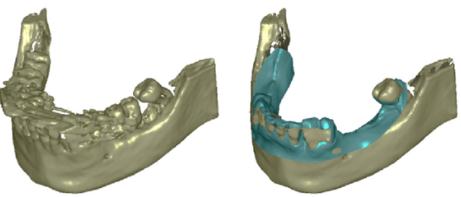
CERAMIC MOLDS
DESIGN:
Design in surgical guide make sure to select software that offers open STL file export to ensure strong and durable results.
The exact step-by step in treatment planning and surgical guide design varies by software, but generally follow:
IMPORT SCANS:
The standard file format for optical scans is .STL, the standard form of CBCT is DICOM. Most of the software allows open import, of these file. Open CBCT DICOM data software then import .STL
REVIEW SCANS:
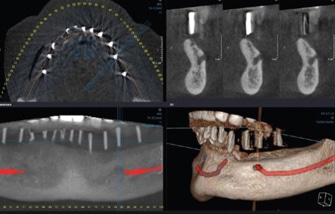
Review the CBCT scans, and identification of the mandible nerve.
ALIGN SCANS:
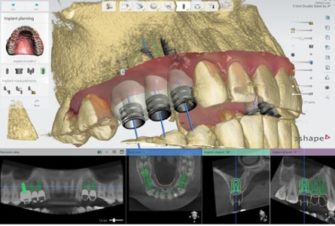
Select the implant and place it on the patient’s anatomy. Choose the position, angulations, depth and desired outcome. Surgical guide help to identify the desired area of the arch to cover. For the best retention and accuracy.
DESIGN TREATMENT:
Align the CBCT scan using both manual point of interest identification tools and automatic tools for detailed alignment. This allows both the detailed surface scan data and the CBCT bone data to be used in treatment design.
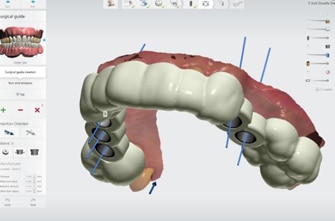
DESIGN SURGICAL GUIDE:
Surgical guides are used to improve the accuracy and safety of treatment so that implants can be placed correctly for the surgical outcome.
- Anatomy.
- Drilling holes with sleeves inserted, which comply with the treatment plan and guide the actual drills.
- Optional form features like screw holes, anchor pin holes etc screw holes, anchor pin holes.
Export:
Once the design is created, export a digital model of the part in STL or OBJ file format.
PRINTING:
SLA (Stereolithography):
Stereolithography is also referred as SLA- is also one of the most popular and widespread techniques in the world of additive manufacturing. To create desired 3D shape this process converts photosensitive liquid into 3Dsolid plastics in a layer-by-layer using a low –power laser and photo polymerization.
Process includes the following steps:
- Select Material
- Import Model Files into Perform
- 3. Orient Models
- Generate Supports
- Upload the Print
- Prepare the Printer and Resin

86-13143415646
Contact:
 Tel: 86-755-23000620 Fax: 86-755-23000621
 Email:info@galaxy3dm.com/info@seetoptech.com
 Address: A3 , Dingfeng Industrial Zone, Fuyong Town, Shenzhen, China
Galaxy 3D Manfacturing Solution
Copyright (©) 2020 Shenzhen Seetop Technology Co.,Limited
